
Your class. One place to study.
Bring your classmates together with a shared study workspace. Start with one application.
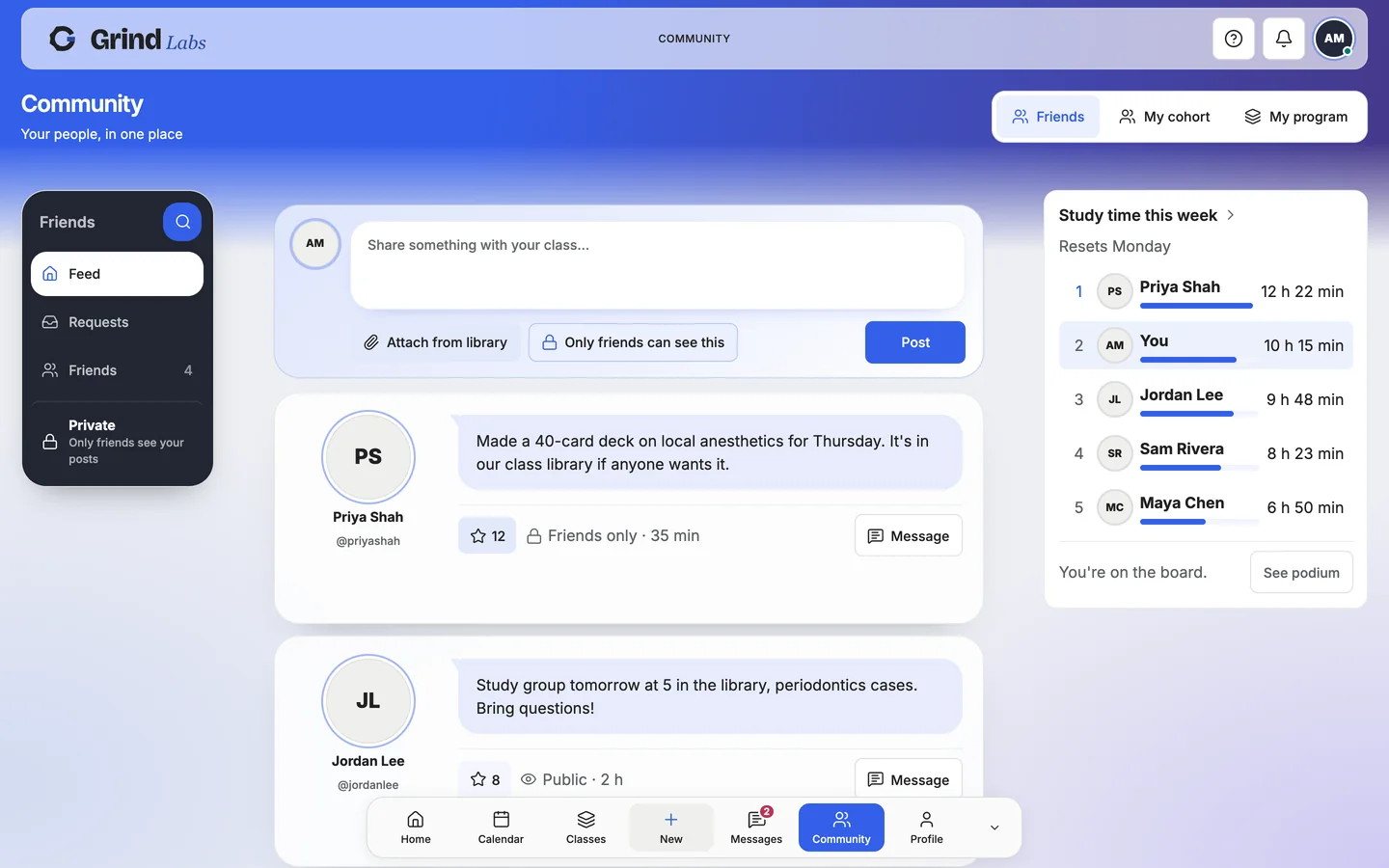
From your first application to your whole class.
- 1
Apply
Tell us about you and your class.
- 2
Get verified
Our team reviews your application.
- 3
Invite your class
Add your roster, review the total and pay. Personal links follow.
- 4
Study together
Class chats, shared decks and study groups, next to everyone’s own notes. Each person keeps their own work private.
Built with a dental class, for every class.

A class roster
Everyone in your year, in one place, each with a personal invitation.
A shared study space
Class chats, shared decks and study groups for the whole year.
Your own work stays yours
Notes and decks are private until their owner shares them.
Let’s meet your class.
A few details now. Your class roster comes after approval.
- 1You
Your name, your role and your school email.
- 2Your cohort
Your school, your program and your class size.
- 3Review
Check it and send it. We reply by email.
Your details are used to verify you and set up your class.
Before you apply
What does the class receive?
The School Year app plan through April 30: notes, flashcards, a planner and personal practice questions, plus a verified class space for shared materials and discussions.
When do we pay?
After approval, your class panel shows the rate per student. Add your roster to see the total before payment. Each student receives a personal invitation after payment clears.
Is exam preparation included?
Your class is connected to its field of study. Board-exam preparation remains an optional add-on for each student.
Your first class starts here.
Make an account in a minute. Bring your classes, and your classmates.