
One app. Every screen.
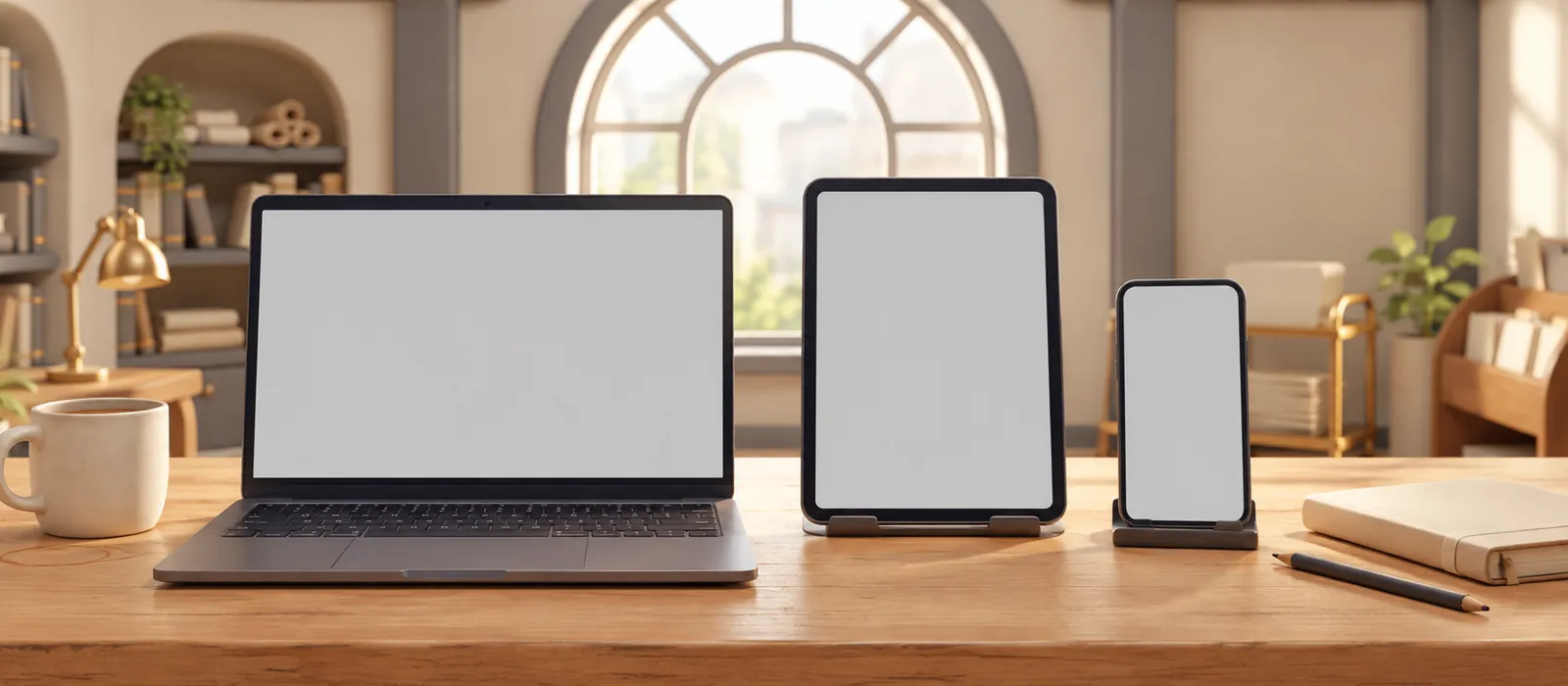
The same Grind Labs on your laptop, your iPad and your phone. One account, picked up right where you left off.
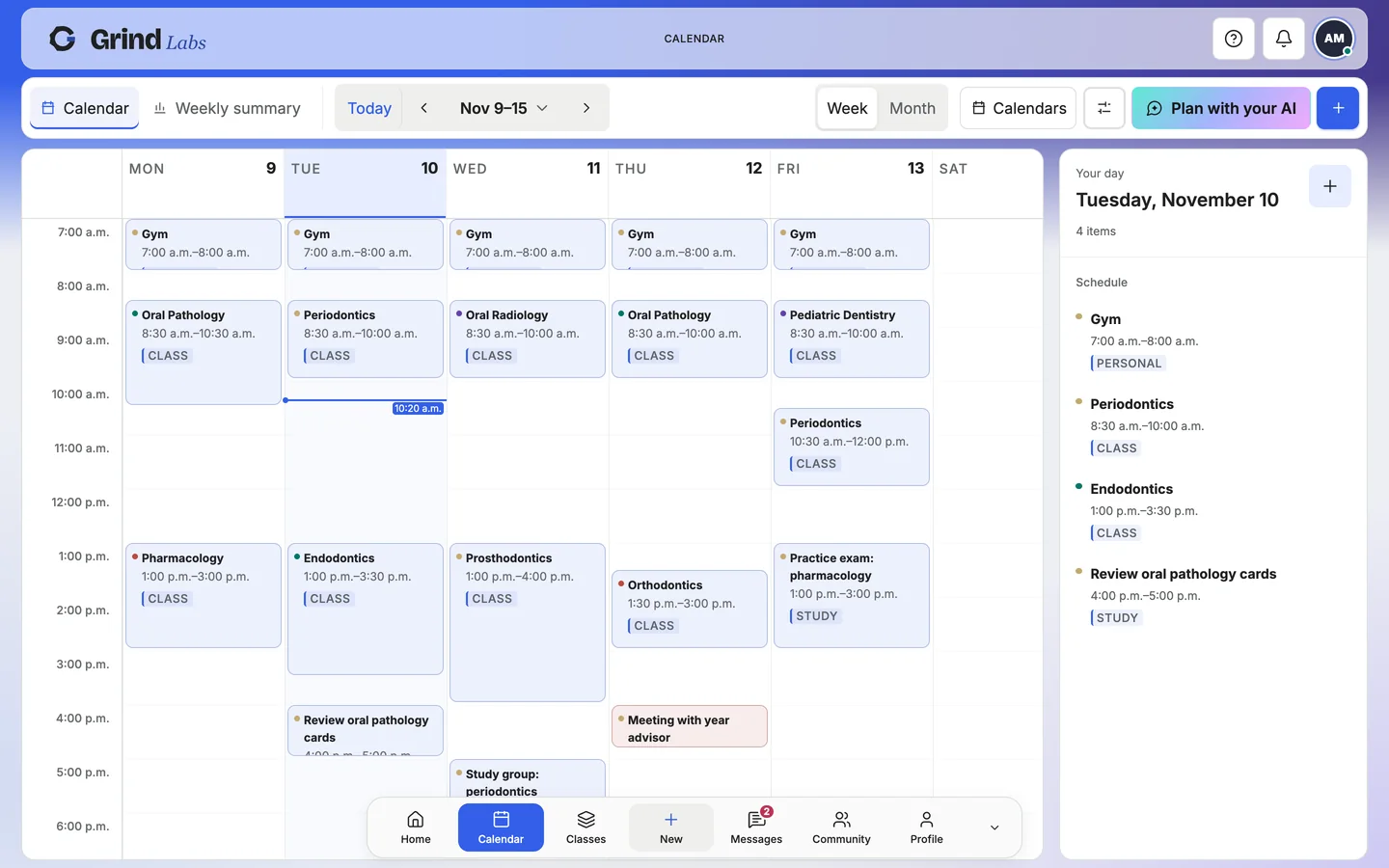
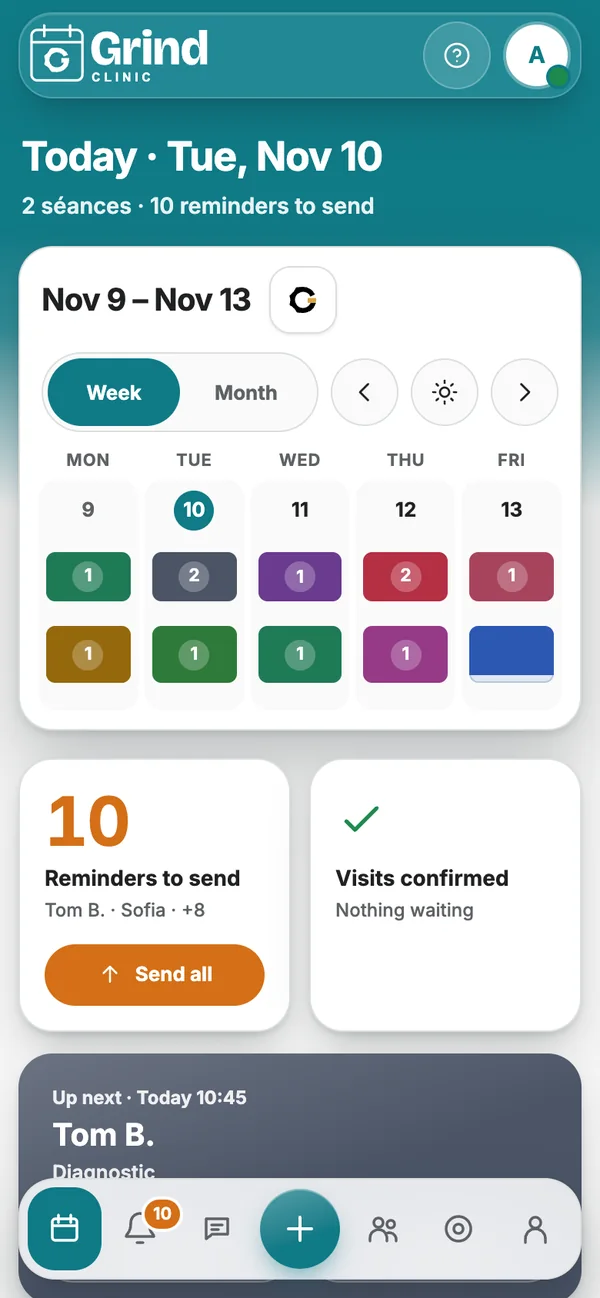
Get it for your device.
iPhone and iPad
From the App Store.
- Pencil works in Notes
Mac
From the Mac App Store.
- Works offline for your own material
Windows
From the Microsoft Store.
- Works offline for your own material
Android
From Google Play.
- Phones and tablets
Downloads open soon.
Or continue in the browser.
Nothing to install. Chrome, Safari, Edge or Firefox, on any computer, iPad or phone.
Add it to your home screen from the browser
iPhone and iPad: in Safari, tap Share, then Add to Home Screen. Android: in Chrome, open the menu and tap Install app. Mac and Windows: in Chrome or Edge, click the install button in the address bar for a window of its own.
Every update reaches every screen.
There is one Grind Labs, not a web version and an app version. A fix or a new feature lands on web, iPad and phone at the same time, and your place in every drill and deck is saved.
Your first class starts here.
Make an account in a minute. Bring your classes, and your classmates.